Difficulty
Moderate
Steps
8
Time Required
- L) X/Y Belts 8 steps

In Progress
This guide is currently being written. Reload periodically to see the latest changes.
Quiz
0
-
-
To install a belt into a belt clip, put the belt through the clip, and leave a bit of a tail - about an inch or so, to allow some adjustment later.
-
-
-
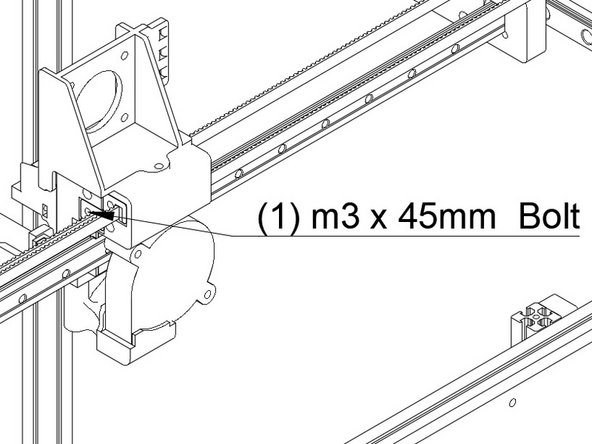
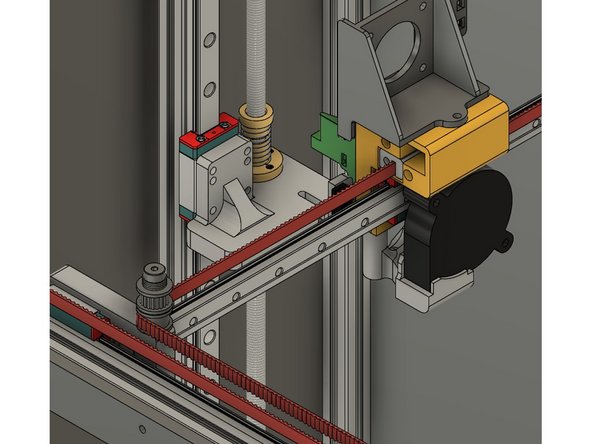
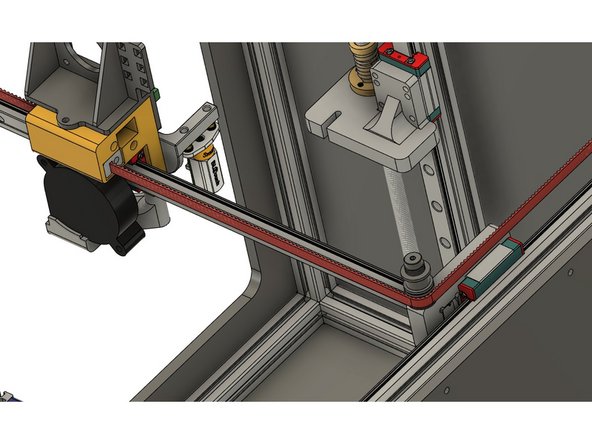
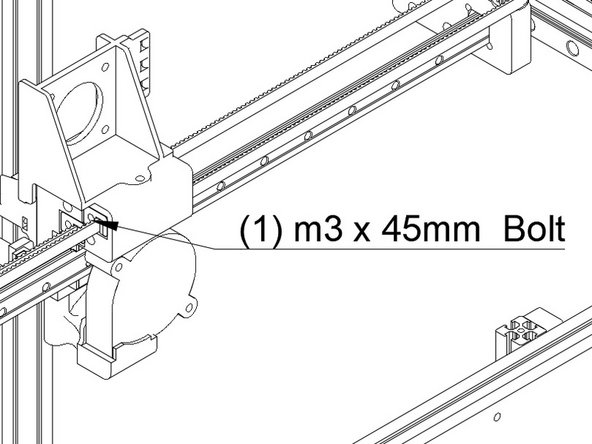
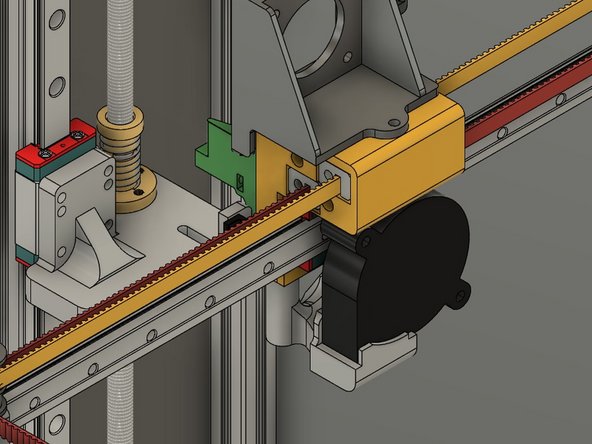
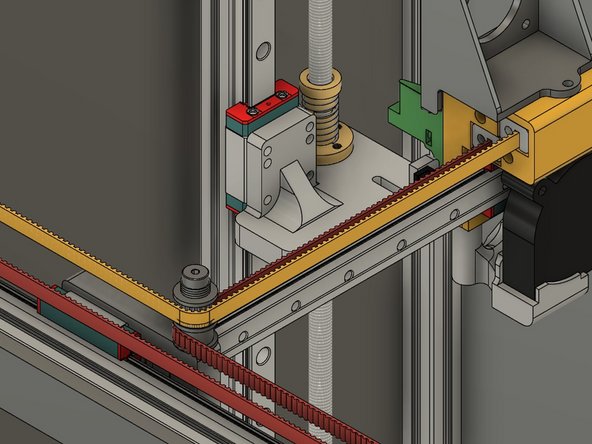
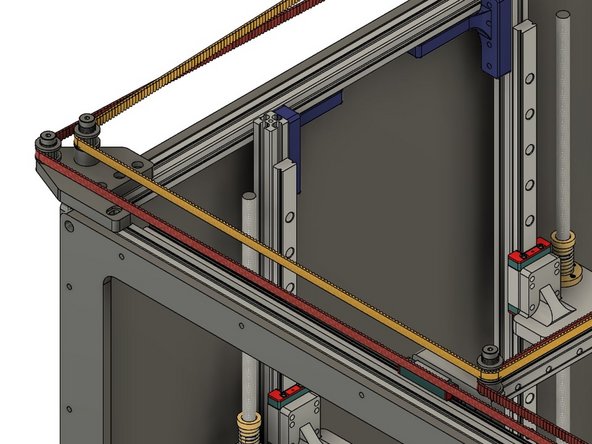
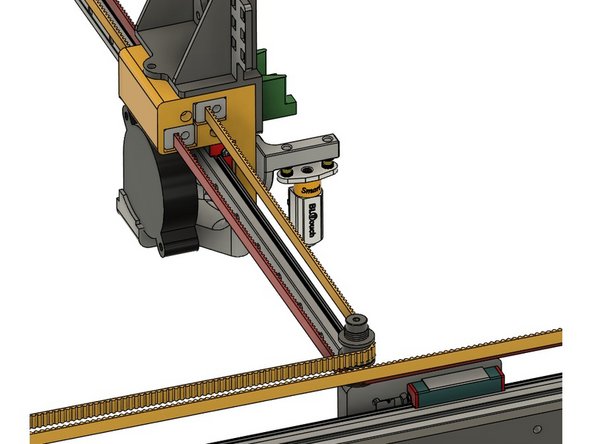
Start with the front or "X" belt. Insert the clip with the belt on it into the lower left hole at the front of the Y carriage. Make sure the bolt hole lines up properly.
-
Attach the clip using (1) m3 x 45mm cap head bolt.
-
The Belt teeth should be facing the rear of the printer.
-
-
-
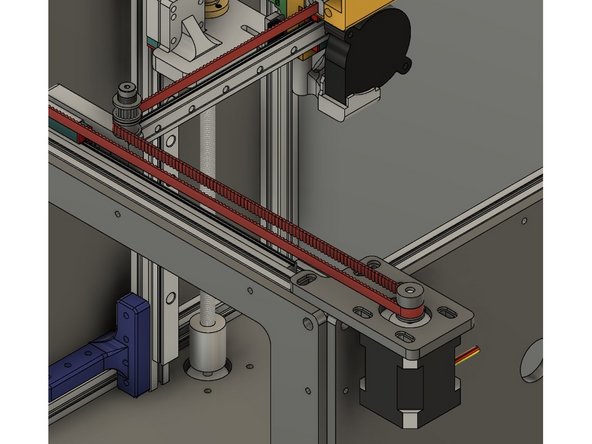
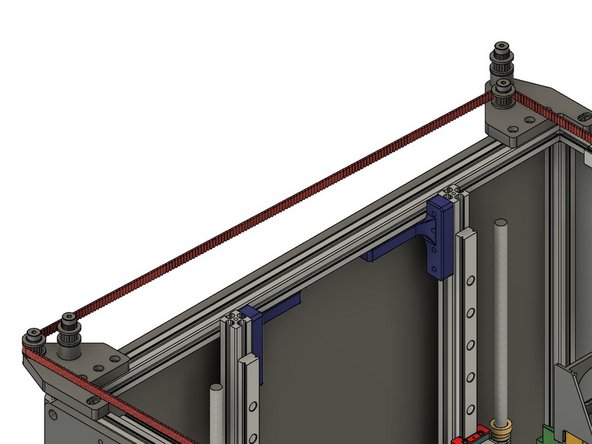
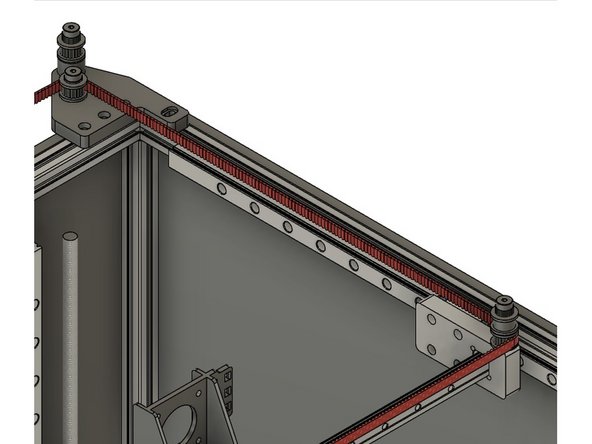
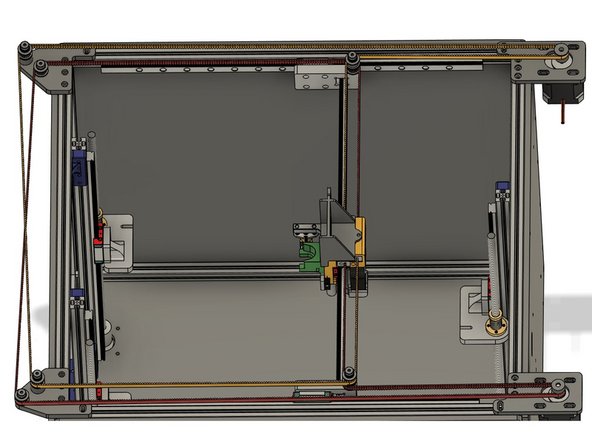
X Belt Installation
-
-
-
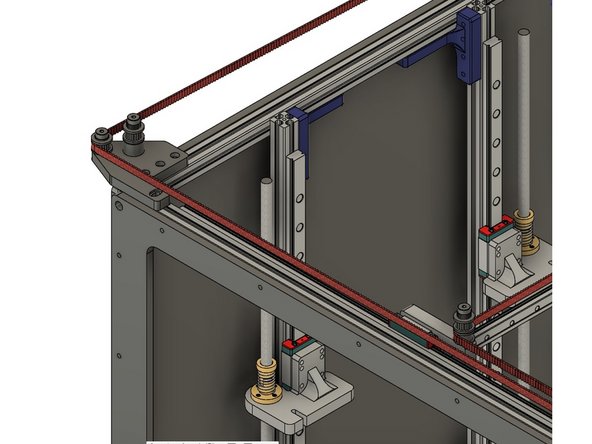
Finishing X Belt Installation
-
-
-
Insert wisdom here.
-
-
-
Insert wisdom here.
-
-
-
Insert wisdom here.
-
-
-
Insert wisdom here.
-