Difficulty
Moderate
Steps
10
Time Required

In Progress
This guide is currently being written. Reload periodically to see the latest changes.

Private
This guide will not appear in search results and can only be viewed by team members!
Quiz
0
-
-
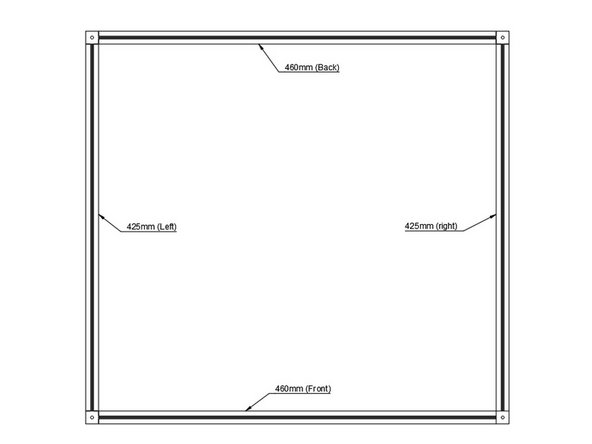
Layout Bottom Frame
-
-
-
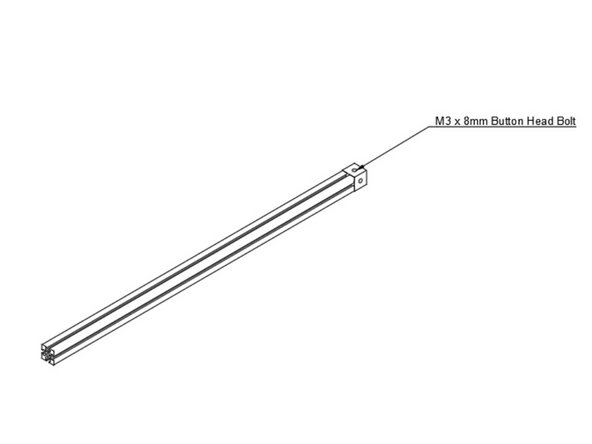
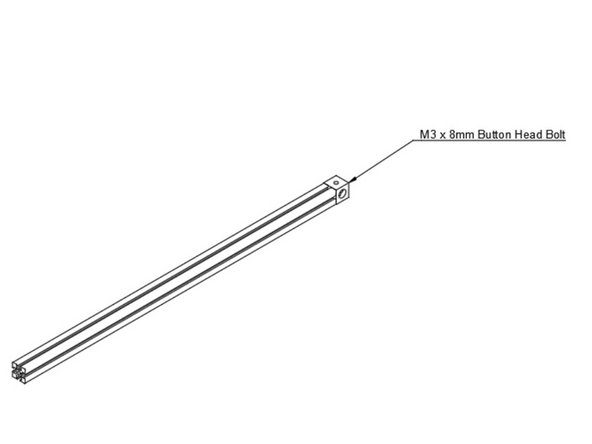
Install Corner Cube on Bottom Left Extrusion
-
-
-
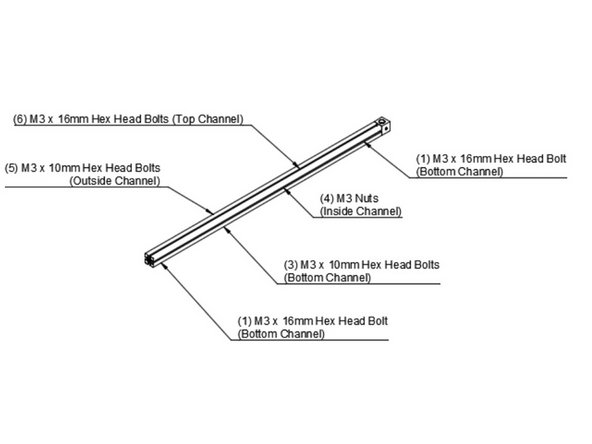
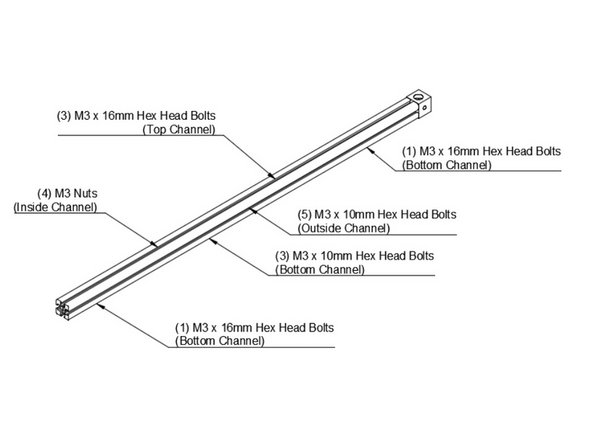
Add Hardware to Bottom Left Extrusion
-
-
-
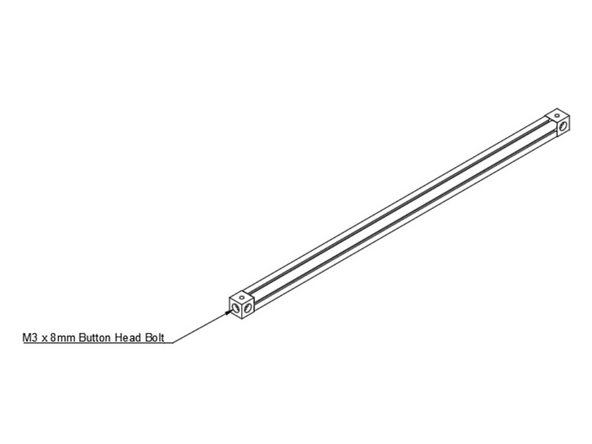
Add Second Corner Cube to Bottom Left Extrusion
-
-
-
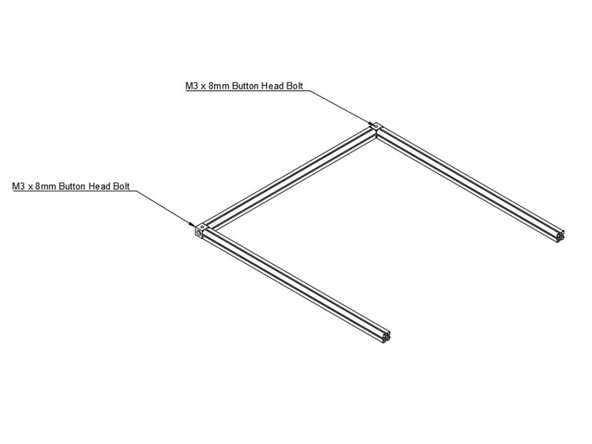
Add Bottom Front and Bottom Rear Extrusions
-
-
-
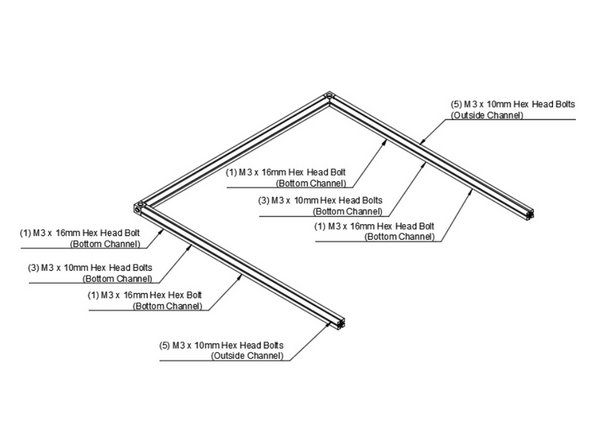
Add Hardware into Bottom Front and Bottom Rear Extrusions
-
-
-
Install Corner Cube on Bottom Right Extrusion
-
-
-
Add Hardware into Bottom Right Extrusion
-
-
-
Add Second Corner Cube to Bottom Right Extrusion
-
-
-
Attach Bottom Right Extrusion to the Rest of the Bottom Frame
-